Kard documentation
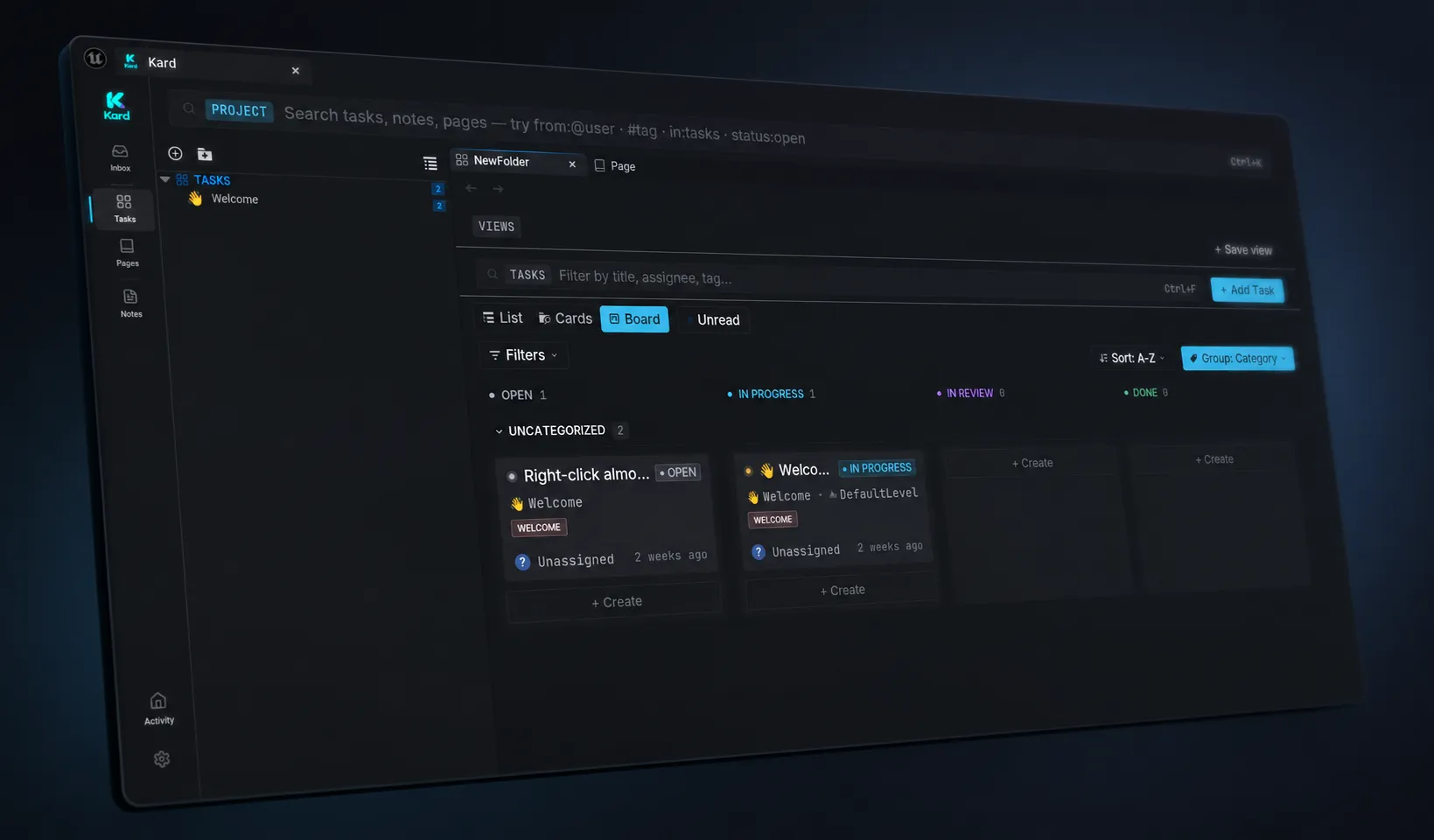
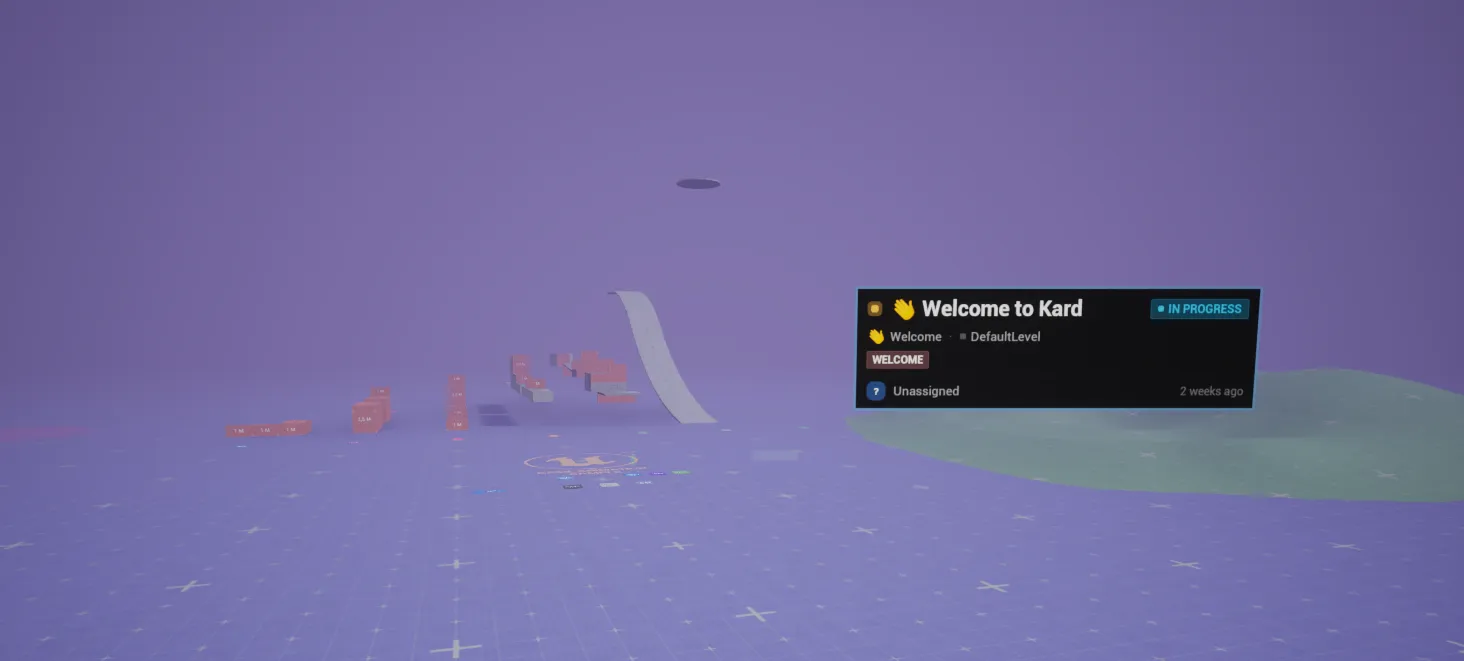
Kard is a local-first project-management tool built into the Unreal Editor — boards, tasks, and workflows for tracking work, plus the ability to pin a card to an actor, a level, or a spot in your world. You manage everything from a panel inside the editor, without switching to another app.
Kard is for Unreal Engine developers and teams — designers, tech artists, and engineers — who want to track tasks and notes next to the thing they describe. It installs as an editor plugin for Unreal Engine 5.8.
Your work lives as standard assets (.uasset) in your own project — you own it, and it version-controls with your repo. Nothing leaves your machine.
New here? Start with these
Section titled “New here? Start with these” Install Kard Add the plugin to your Unreal Engine 5.8 project and confirm it loads.
Quick start Follow one happy path: create your first card and put a task on it.
Core concepts Learn the vocabulary once — Kards, folders, statuses, and views.
Go deeper
Section titled “Go deeper”Once you know the basics, these areas cover daily work, exact details, and optional power features.
Guides Task-by-task how-tos: create and edit Kards, organize boards, link and find work.
Reference Look up exact facts — every setting, keyboard shortcut, and markdown rule.
Advanced (optional) Power features that are off by default, including the optional AI assistant.